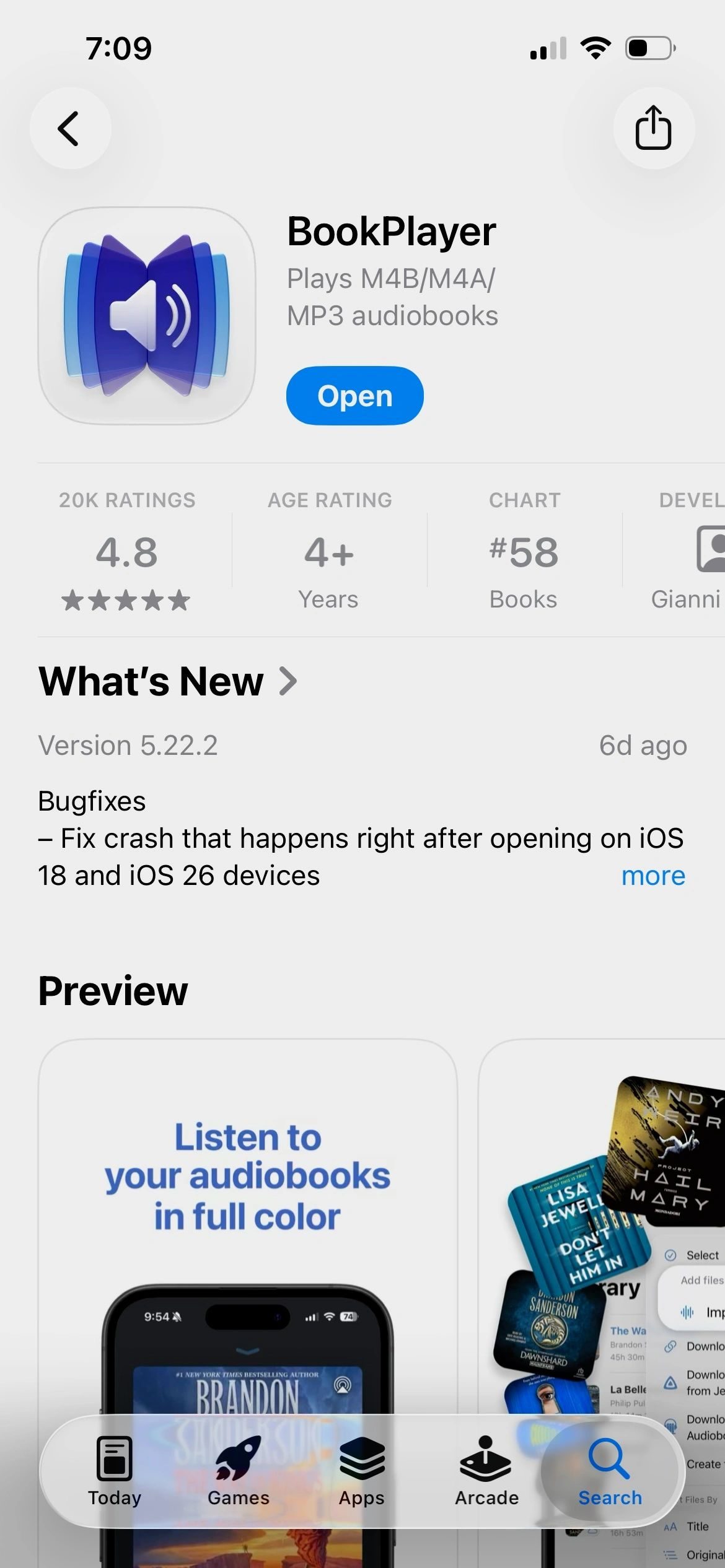
1. Install BookPlayer
Using your app store and open it

The audiobook is ready for early listeners on mobile and computers. Follow the steps below and ... THANKS FOR LISTENING.
Using your app store and open it
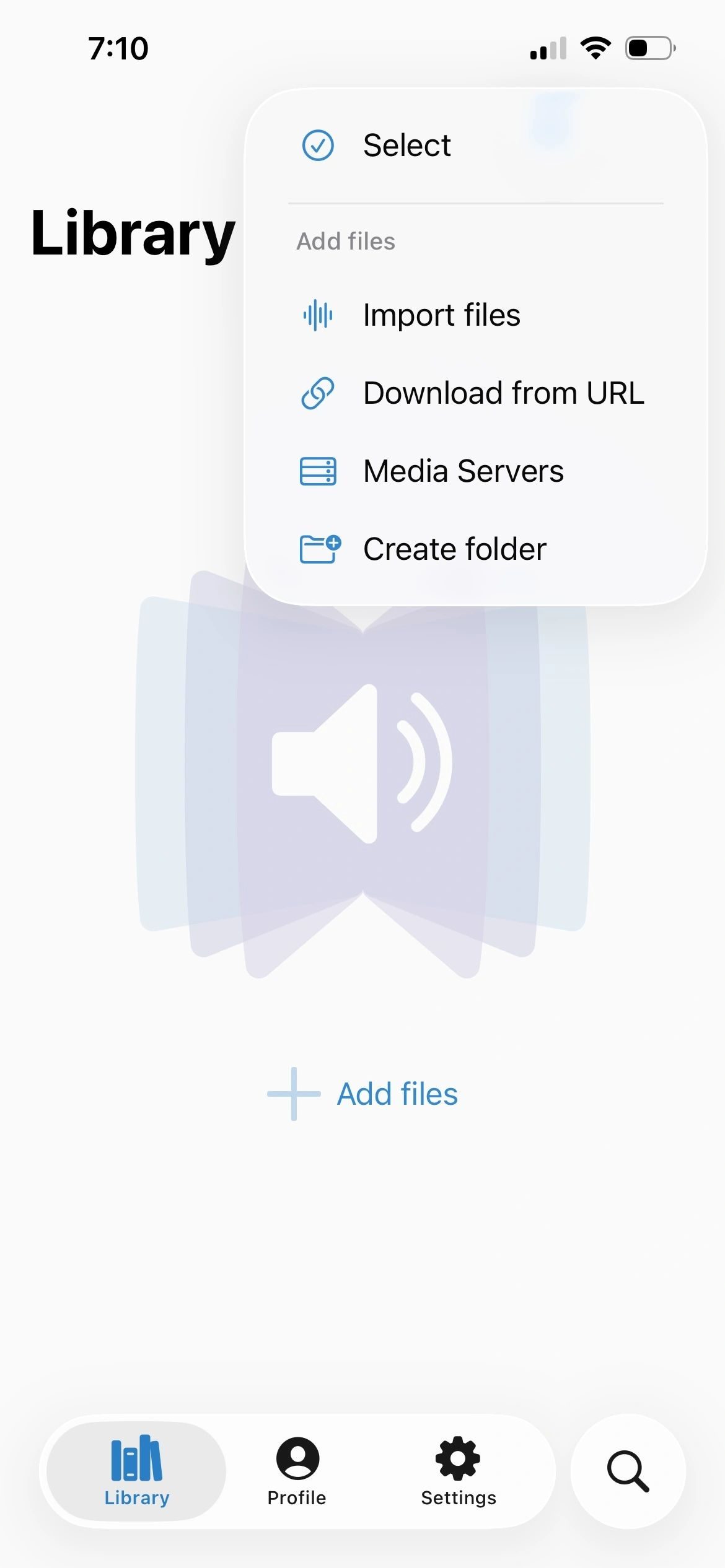
Click the three dots ("meatballs") in the top right corner and chose "Download from URL"
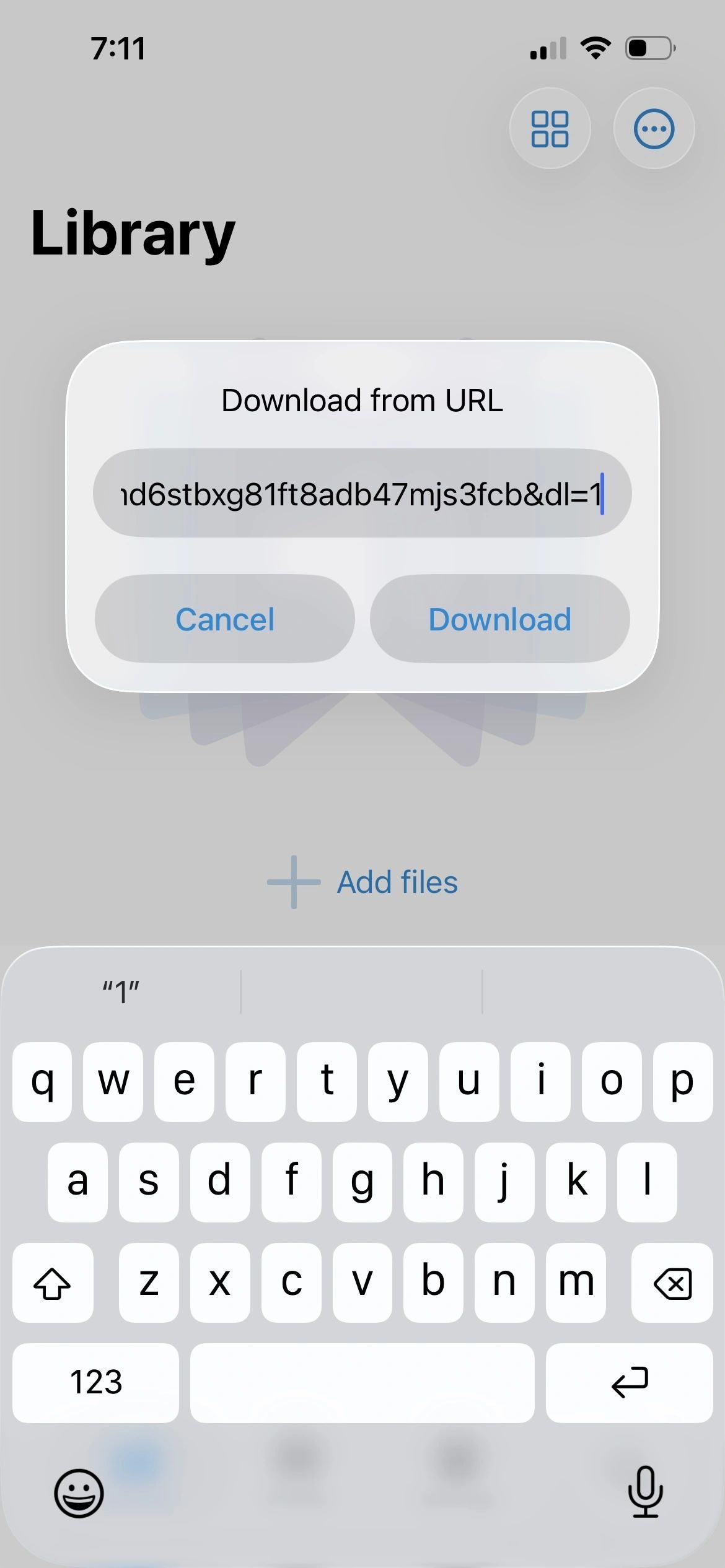
Press and hold this download link to copy the URL, then paste it in the dialog. If you clicked and it started downloading, don't worry, just go back to step 2 and chose "Import Files" when it's done.
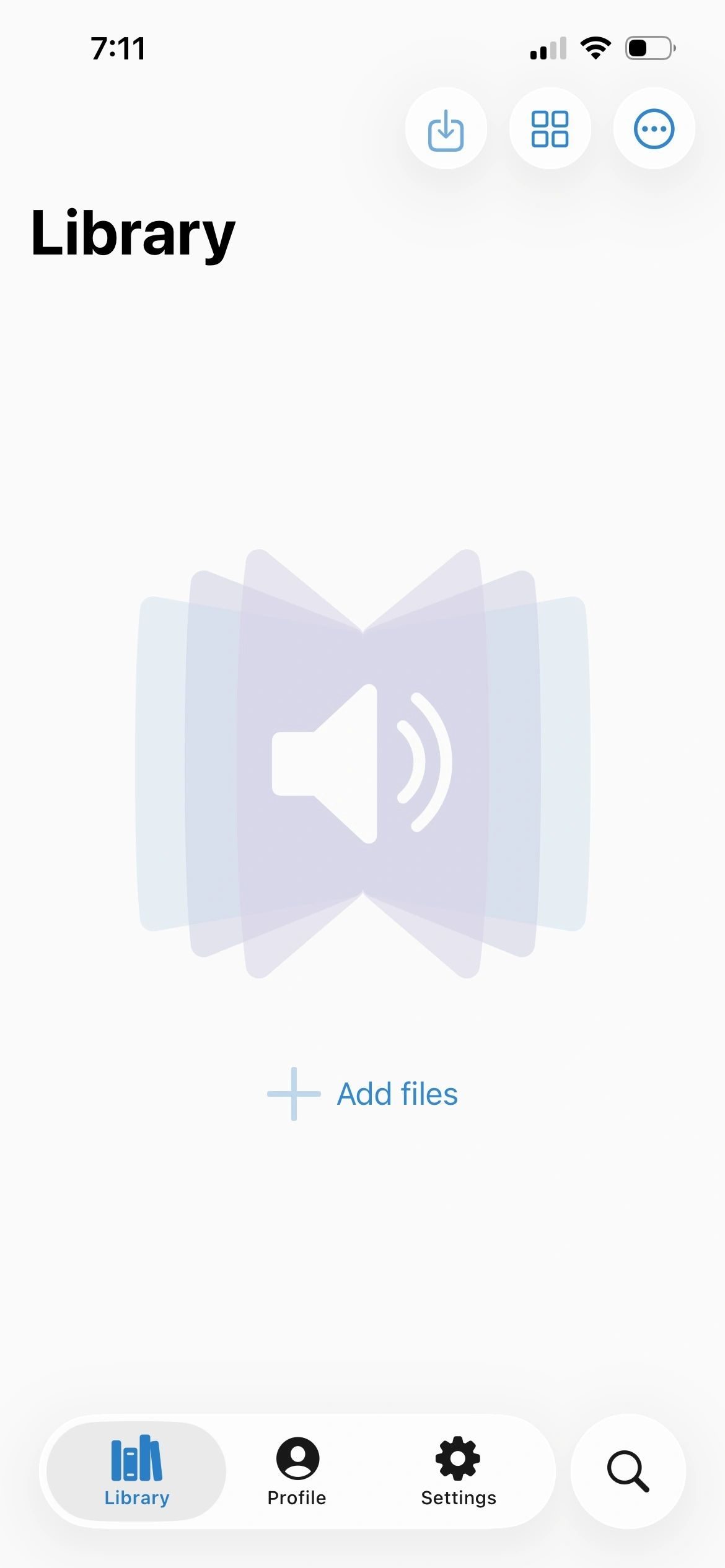
Click on the download button in the middle of the top row to make sure the file is downloading.
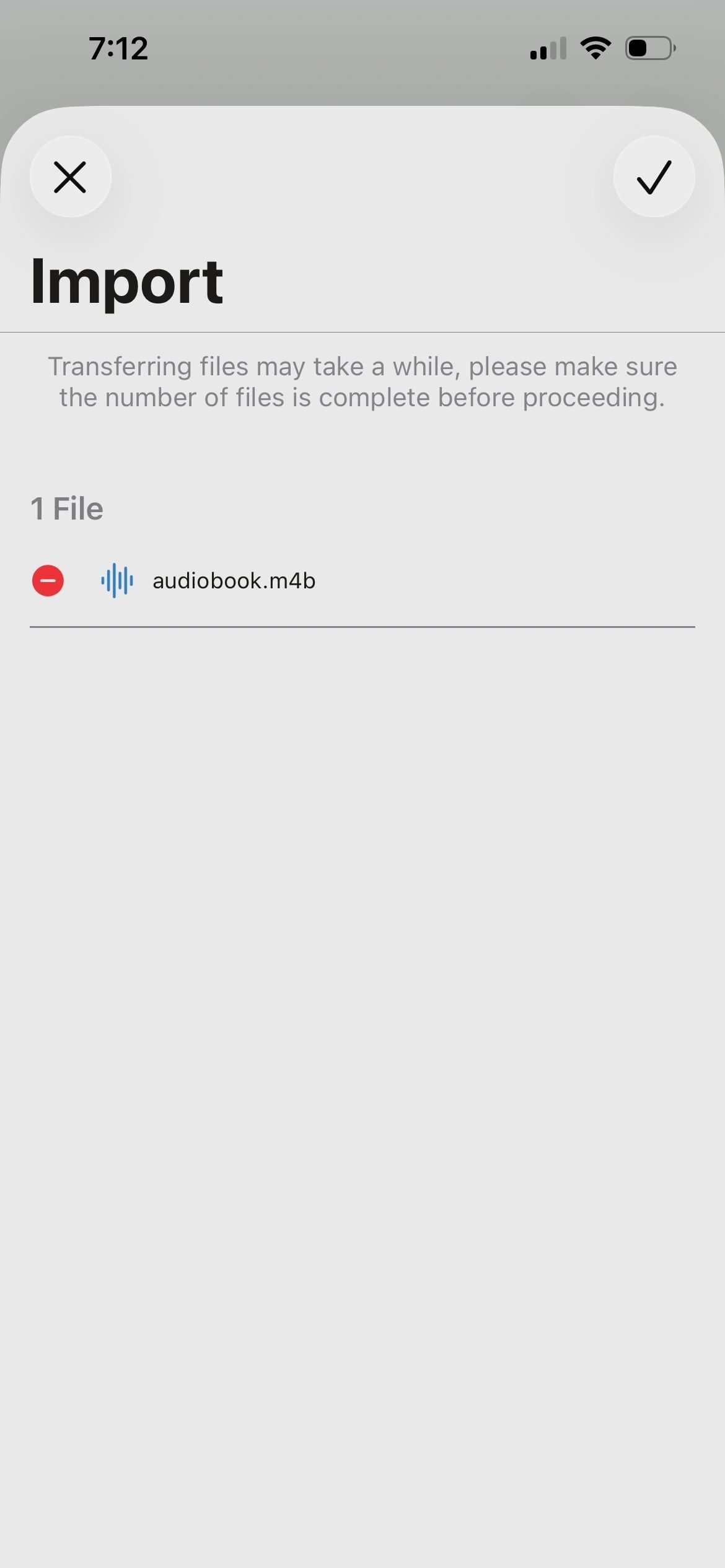
Click the checkmark at top right to import the file into the library.
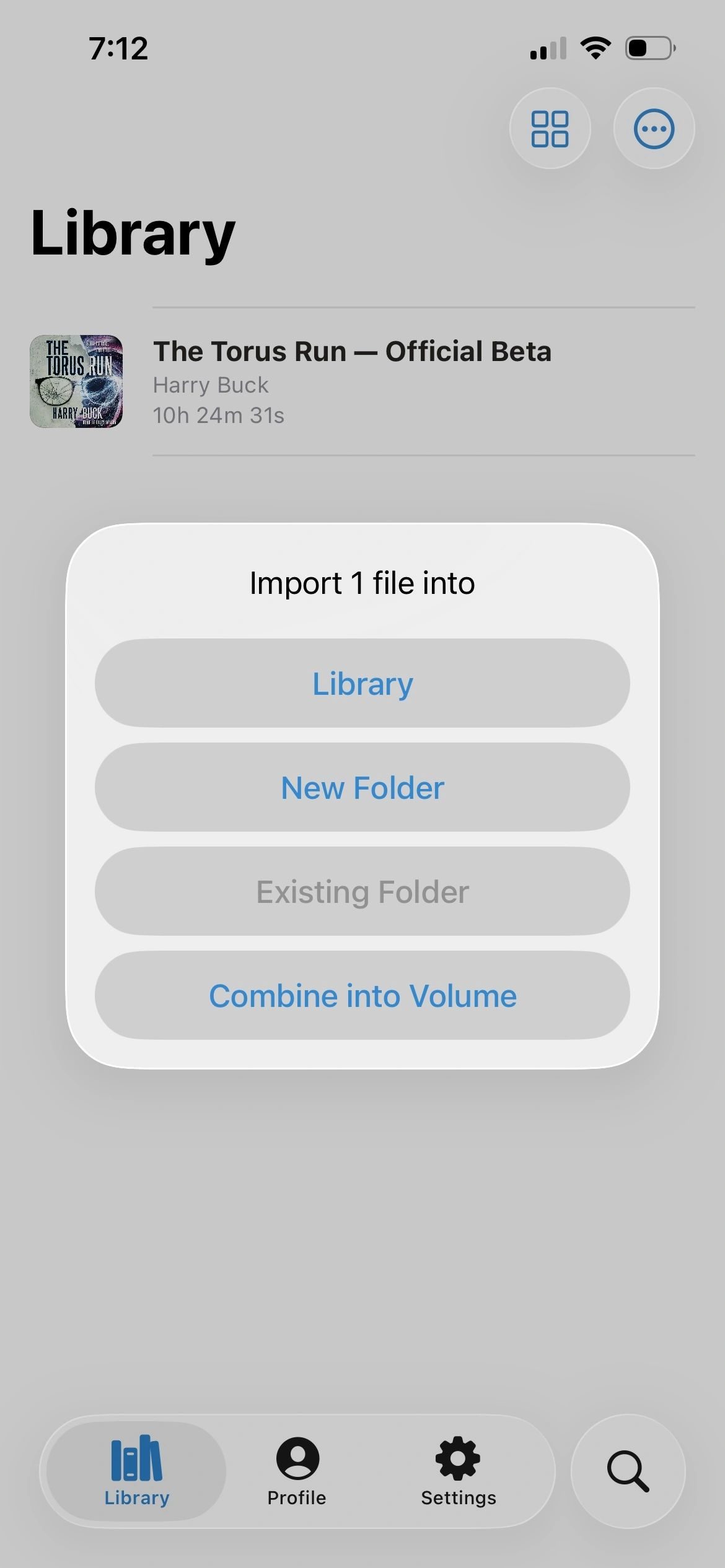
Add The Torus Run to your library and click on it to enjoy!